Restaurant Table Management Software: The Complete Guide for 2026
Why Table Management Software Matters in 2026
A full-service restaurant can easily lose more than a thousand dollars a week to inefficient table management. Empty tables during peak hours, no-shows that could have been filled, and servers standing idle while guests wait — these are all symptoms of managing tables with a paper book and gut instinct.
Table management software replaces guesswork with data. It tracks real-time table status, automates reservation confirmations, optimizes seating assignments, and integrates with your POS to give you a complete picture of your floor. Restaurants that implement digital table management report 12-18% increases in covers during peak hours.
But with dozens of platforms on the market — from free add-ons in your POS to $400/month enterprise solutions — choosing the right one requires understanding what features actually drive revenue versus what sounds impressive in a demo.
Core Features Every System Must Have
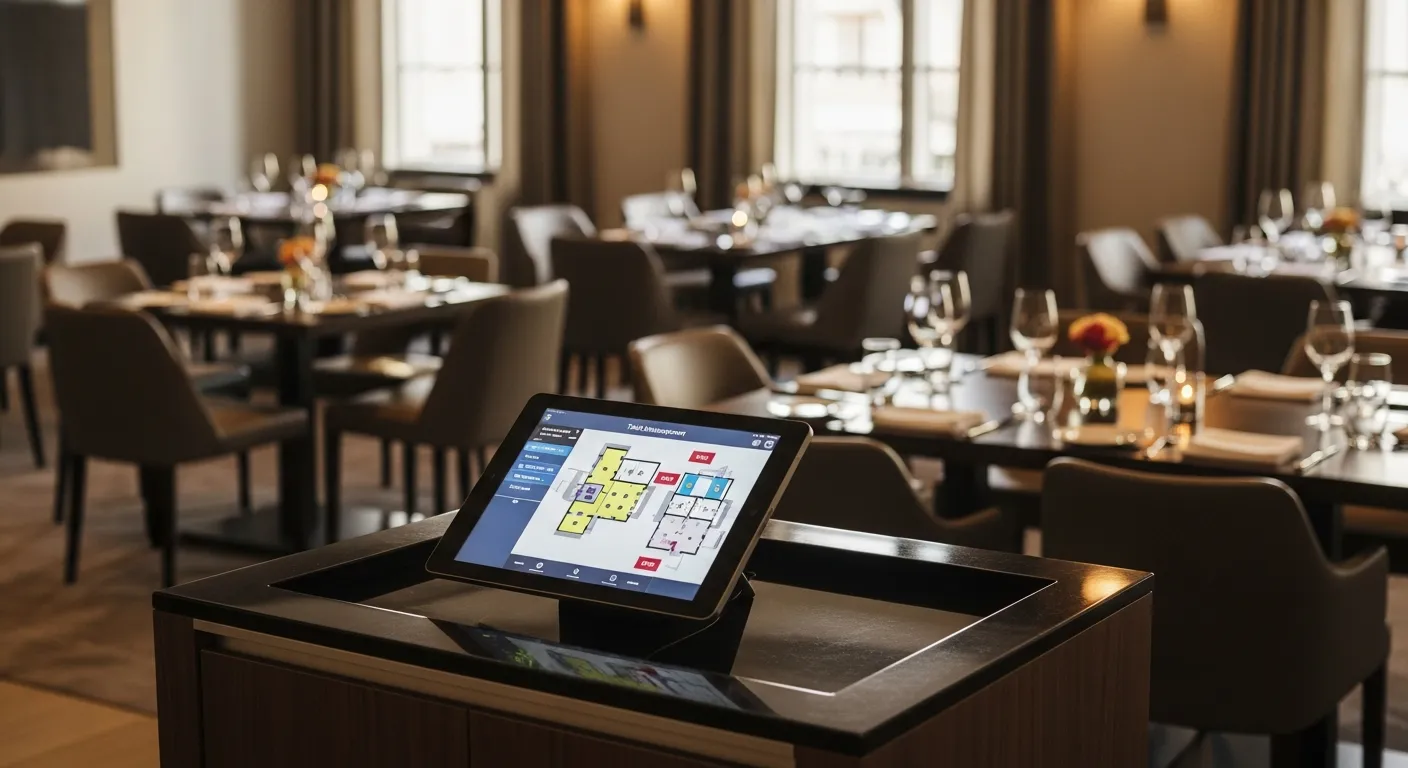
Real-time floor plan visualization is non-negotiable. You need a visual map of your restaurant showing every table's status: open, seated, ordered, check dropped, bussing. Color coding matters — your host should know table status from across the room with a glance at a tablet. Systems that only show table lists (not visual maps) create more problems than they solve.
Automated reservation management with confirmation sequences. A three-touch confirmation system (booking confirmation, 48-hour reminder, day-of confirmation) reduces no-shows by 45-60%. If your software doesn't automate these texts, your host is making 30-50 manual calls per day instead of greeting guests.
Waitlist management with accurate time estimates. The software should calculate wait times based on current table occupancy, average turn times by party size, and upcoming reservations — not the host's optimistic guess. Accurate estimates reduce walk-aways by 25-35%.

Features That Separate Good From Great
POS integration transforms table management from a seating tool into a revenue engine. When your table system talks to your POS, it knows a table just ordered dessert (about to turn), a table hasn't ordered in 20 minutes (potential problem), or a VIP guest just sat down (alert the manager). KwickOS offers native table management that syncs with orders, payments, and kitchen display in real time.
Server section optimization uses historical data to balance sections fairly. Instead of the same servers always getting the best sections, the software rotates prime tables and tracks tip distribution by section. This reduces staff turnover caused by perceived favoritism — a $3,000-$5,000 replacement cost per server.
Analytics and reporting give you RevPASH (Revenue Per Available Seat Hour), table turn rates by day/time, no-show patterns, and peak demand forecasting. Without these numbers, you're optimizing blind.
Pricing: What to Expect in 2026
Free tier: Most POS systems include basic table maps and reservation management. KwickOS, Square, and Toast all offer floor plan visualization and simple reservation handling at no extra cost. Limitation: no automated confirmations, basic waitlist, and minimal analytics.
Mid-range ($49-$149/month): Dedicated table management platforms like Resy, Yelp Guest Manager, and KwickOS Pro. You get automated SMS confirmations, waitlist with time estimates, section optimization, and reporting dashboards. This is the sweet spot for most independent restaurants.
Enterprise ($200-$500/month): OpenTable for Restaurants, SevenRooms, and similar platforms targeting multi-location groups. Advanced CRM with guest profiles across locations, marketing automation, premium integrations with third-party platforms, and dedicated account management. Worth it only if you operate 3+ locations or do over $5M in annual revenue.
Implementation: Your First 30 Days
Week 1: Set up your floor plan. Map every table with accurate positioning, capacity, and server section assignments. Most platforms let you drag-and-drop on a tablet. Take photos of your actual floor to match digital to physical. This is the most important step — a bad floor plan undermines everything else.
Week 2: Import or create your reservation database. If you're moving from a paper book, start entering upcoming reservations manually. If migrating from another platform, most systems support CSV import. Set up your confirmation message templates and enable automated SMS.
Week 3: Train your team. Hosts need 2-3 hours of hands-on practice. Servers need 30 minutes to understand how their section assignments work. Managers need 1 hour on reporting and analytics. Use real service scenarios, not demo mode.
Week 4: Go live with the old system as backup. Keep the paper book for one week alongside the digital system. Track any discrepancies. By day 7, most teams are ready to go fully digital. The ROI — recovered no-shows, faster turns, better section balance — typically shows within the first month.
Ready to Upgrade Your Restaurant?
KwickOS: table management, waitlist, POS, online ordering — all in one platform. 5,000+ restaurants trust us.
Get a Free Demo →Become a KwickOS Reseller
Earn recurring revenue bringing KwickOS to restaurants in your area. Exclusive territories available.
Apply Now →